


Accessory Sockets
The ignition switch must be in the ACC
or ON position
Only use genuine Mazda accessories or
the equivalent requiring no greater than
120 W (DC 12 V, 10 A).
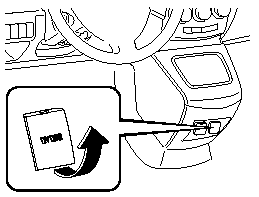
Front (Type A)
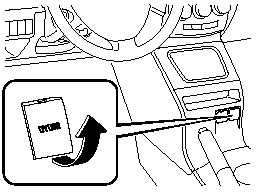
Front (Type B)
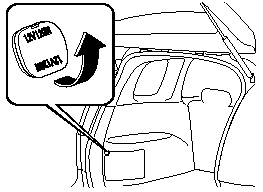
Rear
CAUTION.
To prevent accessory socket damage
or electrical failure, pay attention to
the following:
 Do not use accessories that require
more than 120 W (DC 12 V, 10 A).
Do not use accessories that are not
genuine Mazda accessories or the
equivalent.
Close the cover when the accessory
socket is not in use to prevent
foreign objects and liquids from
getting into the accessory socket.
Correctly insert the plug into the
accessory socket.
Noise may occur on the audio playback or TV reception depending on the device connected to the accessory socket.
NOTE.
To prevent discharging of the battery, do not use the socket for long periods with the engine off or idling.
See also:
Overloading
WARNING.
Be careful not to overload your vehicle:
The gross axle weight rating (GAWR)
and the gross vehicle weight rating
(GVWR) of your vehicle are on the
Motor Vehicle Safety Standard Label
on ...
Engine Compartment Overview
...
Cabin environment - sense of oneness between car and driver
Aboard the all-new Mazda 3 is a new Human Machine Interface that contributes
to the sense of oneness between the car and driver. The cabin interior is
designed to allow the driver to concentrate o ...